Error Handling and Debugging

JavaScript can be hard to learn and everyone makes mistakes when writing it. This Topic will help you learn how to find the errors in your code. It will also teach you how to write scripts that deal with potential errors gracefully.
When you are writing JavaScript, do not expect to write it perfectly the first time. Programming is like problem solving: you are given a puzzle and not only do you have to solve it, but you also need to create the instructions that allow the computer to solve it. too When writing a long script, nobody gets everything right in their first attempt. The error messages that a browser gives look cryptic at first, but they can help you determine what went wrong in your JavaScript and how to fix it. In this topic you will learn about:
- The console and dev tools
Tools bulit into the browser that help you hunt for errors.

- Common problems
Common sources of errors and how to solve them .
- Handling errors
How code can deal with potential errors gracefully.

Order of execution
To find the source of an error, it helps to know how scripts are processed. The order in which statements are executed can be complex; some tasks cannot complete until another statement or function has been run:

Execution contexts
The JavaScript interpreter uses the concept of execution contexts. There is one global execution context; plus, each function creates a new new execution context. They correspond to variable scope.
The stack
The JavaScript interpreter processes one line of code at a time when a statment needs data from another function , it stacks (or plies) thenew function on top of the current task.
When a statmement has call some other code in order to do its job , thenew task goes to the top of the pile of thigs to do . Once the new task has been been performed the interpreter can go bask in hand. Each time a new item is added to the stack , it creates a new execution context

Execution context and hoisting
Each time a script enters a new exectext , there are two phases of a ctivity:
- Prepare
- The new scope is created
- Variables, functions, and arguments are created
- The value of the this keyword is determined
- EXECUTE
- Now it can assign values to variables
- Reference functions and run their code
- Execute statements
UNDERSTANDING SCOPE
 In the interpreter, each execution context has its own vari ables object. It holds the variables, functions, and parameters available within it. Each execution context can also access its parent’s vari ables object.
UNDERSTANDING ERRORS
 If a JavaScript statement generates an error, then it throws an exception . At that point, the interpreter stops and looks for exception-handling code
ERROR OBJECTS
 Error objects can help you find where your mistakes are and browsers have tools to help you read them.
ERROR OBJECTS CONTINUED

- Syntax Error
- Reference Error
- Eval Errors
- URO Error
- Type Error
- Range Error
- Error
- NaN
HOW TO DEAL WITH ERRORS
Now that you know what an error is and how the browser treats them, there are two things you can do with the errors
1: DEBUG THE SCRIPT TO FIX ERRORS 2: HANDLE ERRORS GRACEFULLY
A DEBUGGING WORKFLOW
Debugging is about deduction: eliminating potential causes of an error. Here is a workflow for techniques you will meet over the next 20 pages. Try to narrow down where the problem might be, then look for clues.

BROWSER DEV TOOLS & JAVASCRIPT CONSOLE
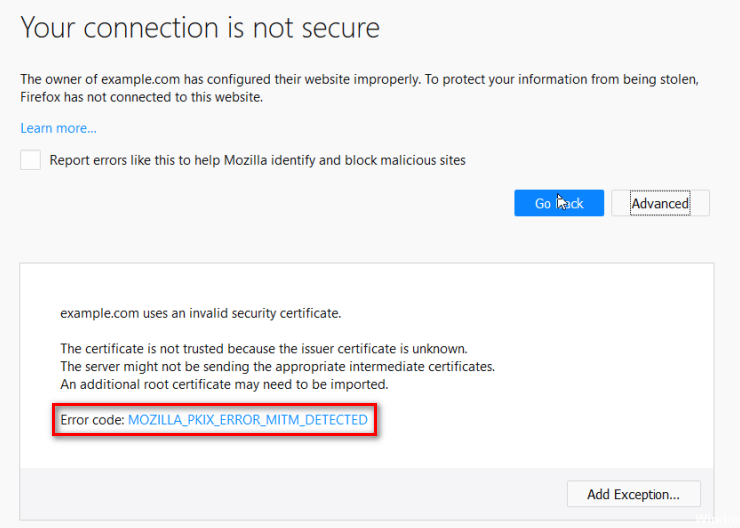
The JavaScript console will tell you when there is a problem with a script, where to look for the problem, and what kind of issue it seems to be.

HOW TO LOOK AT ERRORS IN CHROME
The console will show you when there is an error in your JavaScript. It also displays the line where it became a problem for the interpreter.
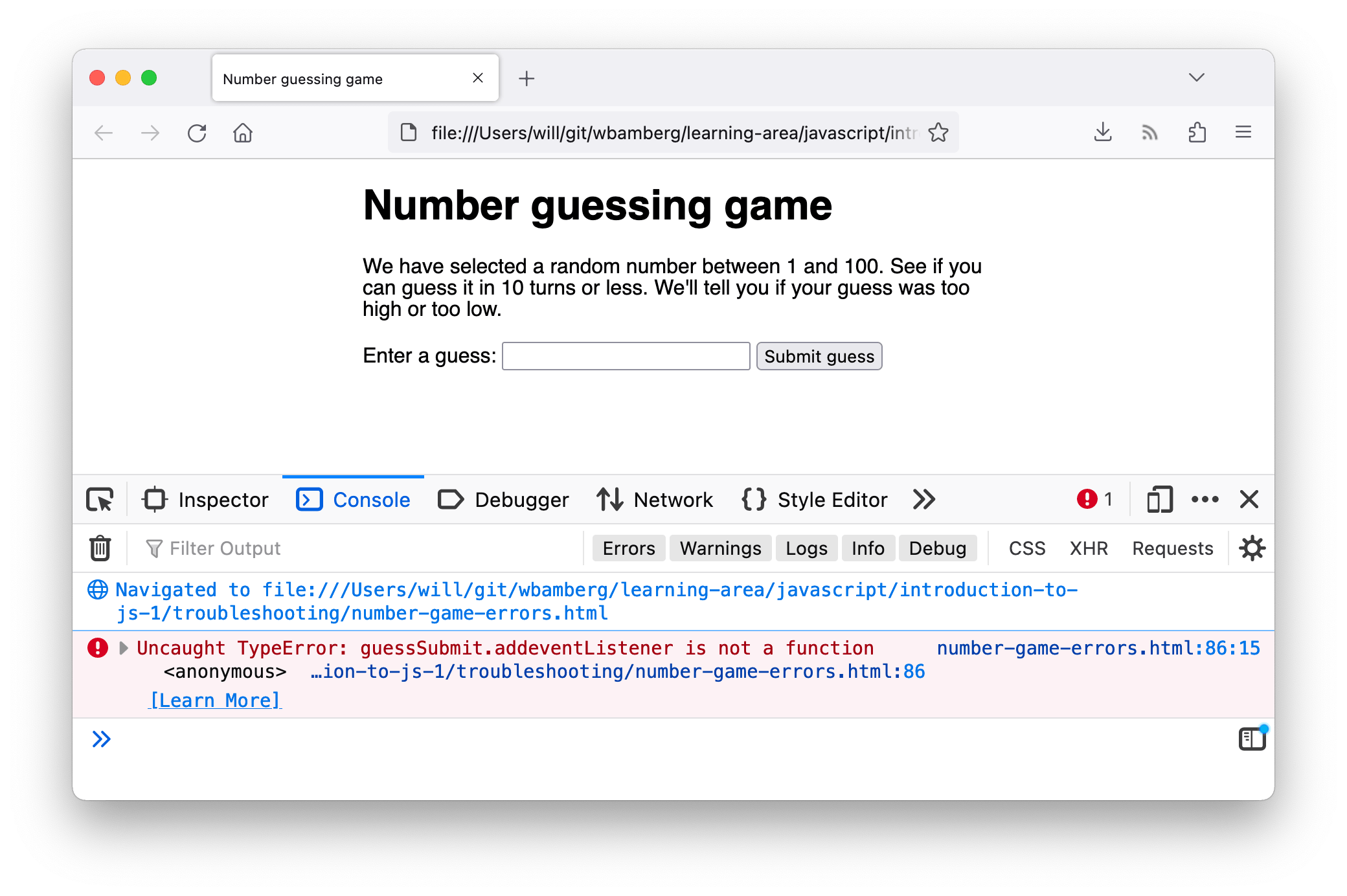
HOW TO LOOK AT ERRORS IN FIREFOX
TYPING IN THE CONSOLE IN CHROME
You can also just type code into the console and it will show you a result.
TYPING IN THE CONSOLE IN FIREFOX

WRITING FROM THE SCRIPT TO THE CONSOLE
Browsers that have a console have a console object, which has several methods that your script can use to display data in the console . The object is documented in the Console API.