Choosing A Text Editor
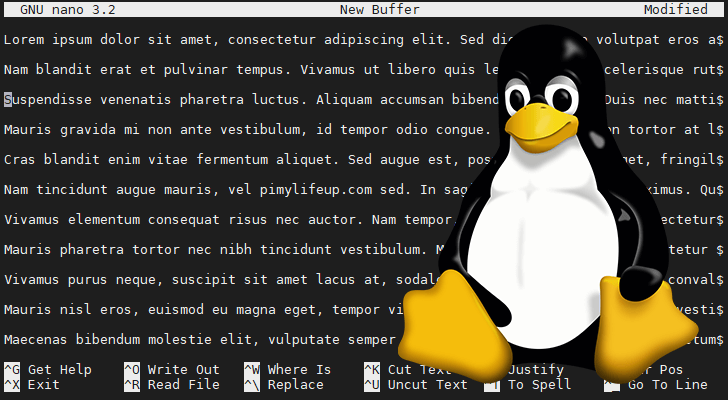
What is a text editor?
A text editor is a piece of software that you download and install on your computer, or you access online through your web browser, that allows you to write and manage text, especially the text that you write to build a web site. The text editor has to be one of the most important tools you can use as an aspiring web developer.
Every computer will come with its own text editor. On Mac computers, the text editor that comes with your computer is called, “Text Edit.” On Windows computers, the text editor that comes with your computer is called, “Notepad.”
Since these text editors already come on your computers, why should you download yet another text editor that does essentially the same thing as the text editor that you already have?
Because there are some features in it that automatic text editors lose
- What features should you look for in a text editor?
1- code completion.
2-syntax highlighting.
3-a nice variety of themes (to reduce eye strain and fatigue).
4- the ability to choose from a healthy selection of extensions available when you need them.
1- code completion.
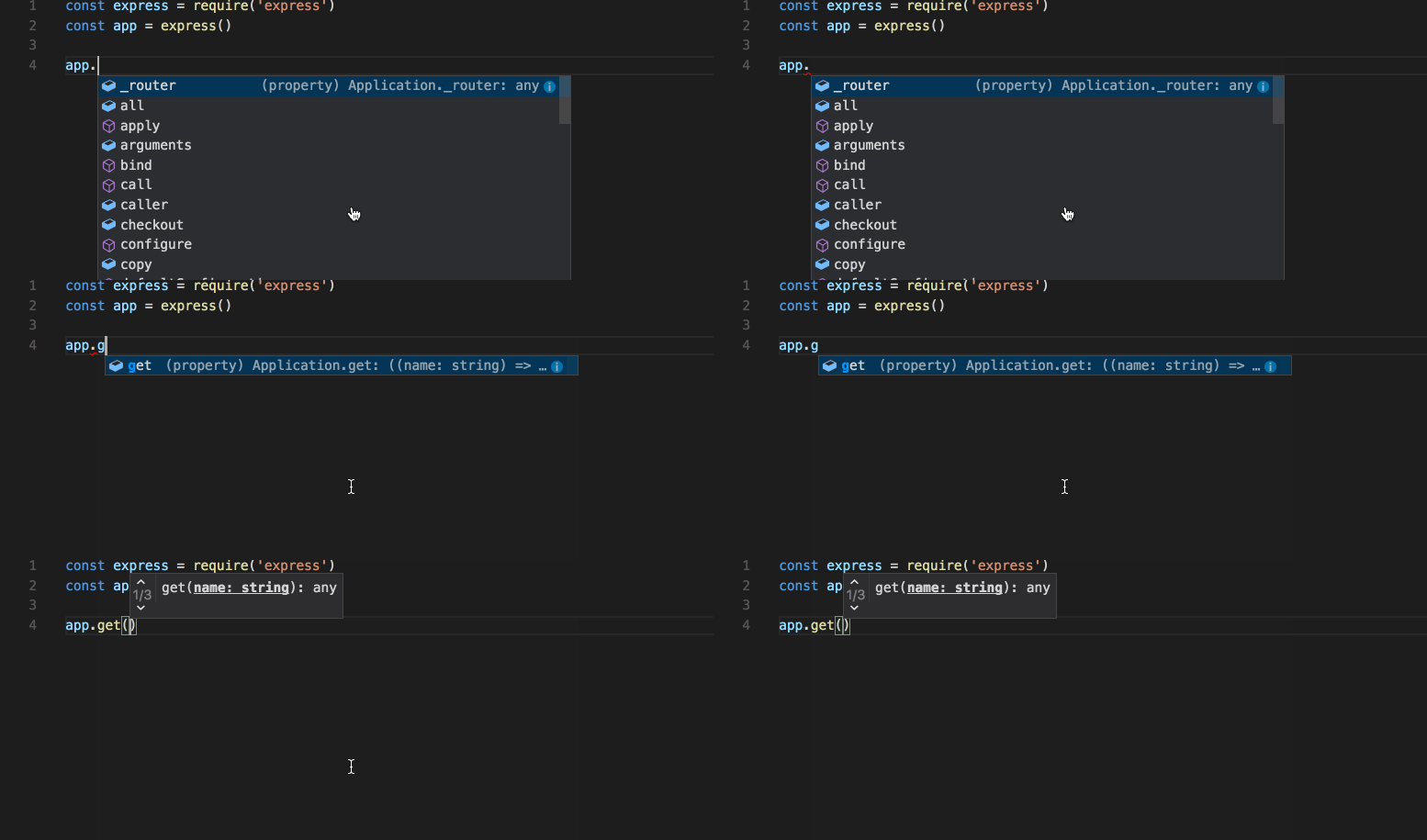
Code completion allows you to start typing, and the code completion feature will display possible suggestions based on what you originally typed. This saves you time by providing a choice, rather than allowing you to finish typing and possibly encounter typos. Also, some code completion includes the closing of tags when you open them, or the closing of brackets when you open them, or the closing of quotation marks when you open them, thus making sure you’re always writing your code.
2- syntax highlighting

Syntax highlighting is a feature that takes the text you type, and makes it more noticeable by colorizing the text. Attributes are a different color than elements. And elements are a different color than copy. This makes it so much easier when you’re looking for an error and you can’t find it. As well as making your text easier to read.
3- a nice variety of themes
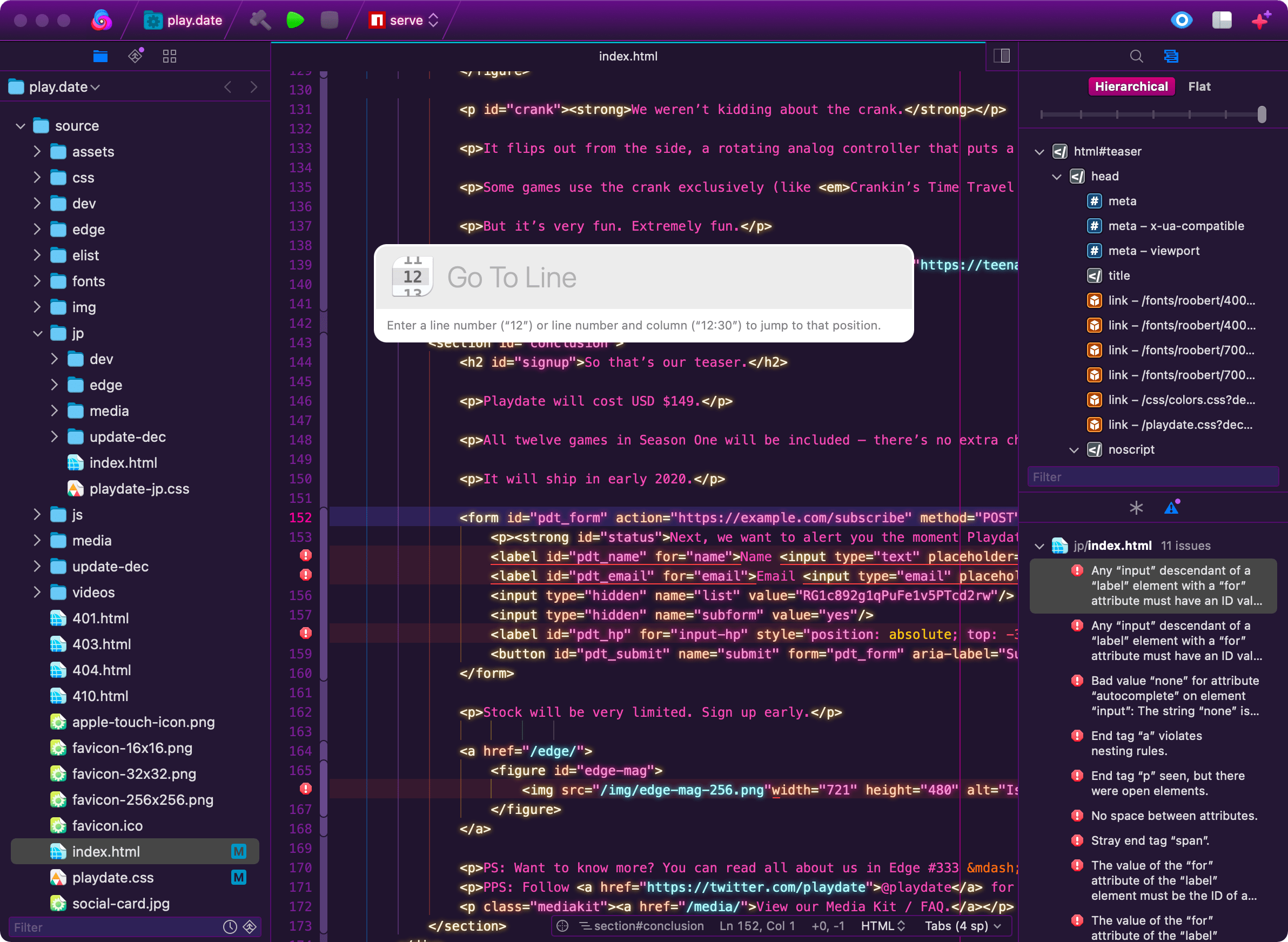
These themes will allow you to change the color of the background of your text editor, the series of colors in your text, and sometimes themes will affect other aspects of your text editing software as well. Usually, web developers use a dark background and brightly colored text. This combination seems to be easier on the eyes —but there are other themes to choose from as well. Since you’ll be using your text editor most of the time, it’s good to find a theme that might reduce eye strain and fatigue.
4- Third-Party Options
- NotePad++
is a free text editor for Windows Computers only. NotePad++ has been around for many years and many web developers swear by NotePad++. It has syntax highlighting and code completion, as well as word completion and function completion. It has a zoom in an out feature, it’s own online community, and its own chat room for questions that may arise. It even has its own searchable wiki page for more assistance
- TextWrangler
is for Mac computers only, and you used to be able to download it from the Mac App Store. In doing my research for this blog post, I’ve come to find out that TextWrangler has been retired. I know, I’m a little late to the party with this news, but TextWrangler was retired in 2017. This was one of the go-to text editors for Mac Computers.

- BB Edit
is software that you purchase. But BB Edit comes with a 30- day free trial. After the 30 days is over, if you still want the free version, simply continue using BB Edit, and you’ll get the same features as you would have gotten in TextWrangler
-
Visual Studio Code
is a free text editor made by the folks at Microsoft. It is available for Windows computers, Mac computers and Linux computers. VS Code has the Emmet shorthand for HTML and CSS already built-in with no additional work from you at all. VS Code has everything: syntax highlighting, themes, extensions and code completion. It seems like VS Code has a very healthy following in the web developing community.
-
Atom
is a free text editor that’s available for download for Windows computers, Mac computers and Linux computers. Atom is brought to you by the folks at GitHub . GitHub is a great service online where you can host and review code, or you can post and get help with the development of your own projects. Atom also ticks all the right boxes. It has syntax highlighting, themes, extensions, the works! Atom is definitely a software to check out and test drive for yourself.
-
Brackets
is a free text editor that’s available for download for Windows computers, Mac computers and Linux computers. It’s made and maintained by the good folks at Adobe—yep, the Photoshop people. Brackets only supports HTML, CSS and JavaScript, though more coding capabilities can be added through extensions. Being that Brackets only supports HTML, CSS and JavaScript, this might be a great choice to start with. But still the choice is yours.

- Sublime Text
is a premium software that can be purchased in full for $70. Otherwise you’ll use the free version. Sublime Text enjoys a history of being fast and responsive while being extensible as well. There’s no doubt that Sublime Text will tick the check boxes of what to look for in a text editor. It has syntax highlighting, it has code completion, it has themes and extensions. And will definitely get the job done no matter how advanced you get with your coding.