Forms
HTML form elements work a bit differently from other DOM elements in React, because form elements naturally keep some internal state. For example, this form in plain HTML accepts a single name:
<form> <label> Name: <input type="text" name="name" /> <label> <input type="submit" value="Submit" /> </form>
Controlled Components
 **In HTML, form elements such as ,
Try it on CodePen
Since the value attribute is set on our form element, the displayed value will always be this.state.value, making the React state the source of truth. Since handleChange runs on every keystroke to update the React state, the displayed value will update as the user types.
The textarea Tag

The select Tag
**In HTML,
The file input Tag
In HTML, an<input type="file"> lets the user choose one or more files from their device storage to be uploaded to a server or manipulated by JavaScript via the File API.
<input type="file" />
Handling Multiple Inputs
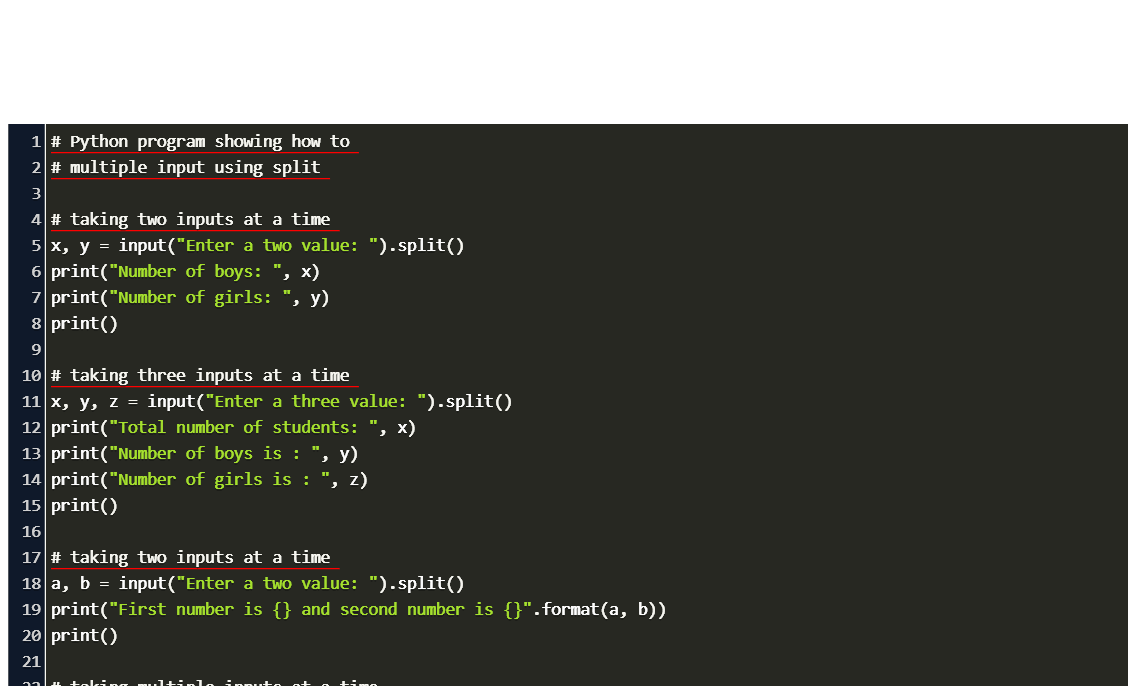 When you need to handle multiple controlled input elements, you can add a name attribute to each element and let the handler function choose what to do based on the value of event.target.name.
Should we wait to store the users responses from the form into state when they submit the form OR should we update the state with their responses as soon as they enter them?
*we wait to store the users responses from the form into state when they submit the form * because you need to write an event handler for every way your data can change and pipe all of the input state through a React component. This can become particularly annoying when you are converting a preexisting codebase to React, or integrating a React application with a non-React library.
How do we target what the user is entering if we have an event handler on an input field?

The event also applies to elements with contenteditable enabled, and to any element when designMode is turned on. In the case of contenteditable and designMode, the event target is the editing host. If these properties apply to multiple elements, the editing host is the nearest ancestor element whose parent isn’t editable.
Alternatives to Controlled Components
It can sometimes be tedious to use controlled components, because you need to write an event handler for every way your data can change and pipe all of the input state through a React component. This can become particularly annoying when you are converting a preexisting codebase to React, or integrating a React application with a non-React library. In these situations, you might want to check out uncontrolled components, an alternative technique for implementing input forms.
Fully-Fledged Solutions
If you’re looking for a complete solution including validation, keeping track of the visited fields, and handling form submission, Formik is one of the popular choices. However, it is built on the same principles of controlled components and managing state — so don’t neglect to learn them.
Why would we use a ternary operator?
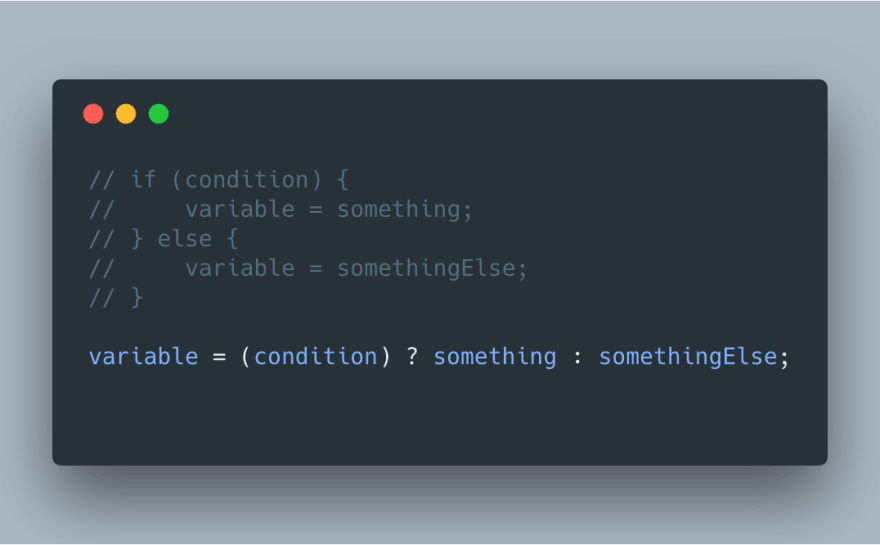 Use the ternary operator to simplify your if-else statements that are used to assign values to variables. The ternary operator is commonly used when assigning post data or validating forms
Rewrite the following statement using a ternary statement:
![]https://scotch-res.cloudinary.com/image/upload/w_auto,q_auto:good,f_auto/v1562952581/jqctyinrganjts991d3w.jpg
if(x===y){ console.log(true);} else {console.log(false);x===y ? 'true' : 'false';